Difficulty
Flying wing, fastest
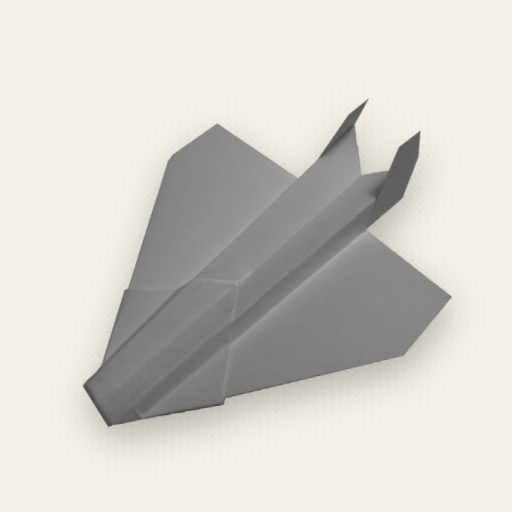
P16 NASP
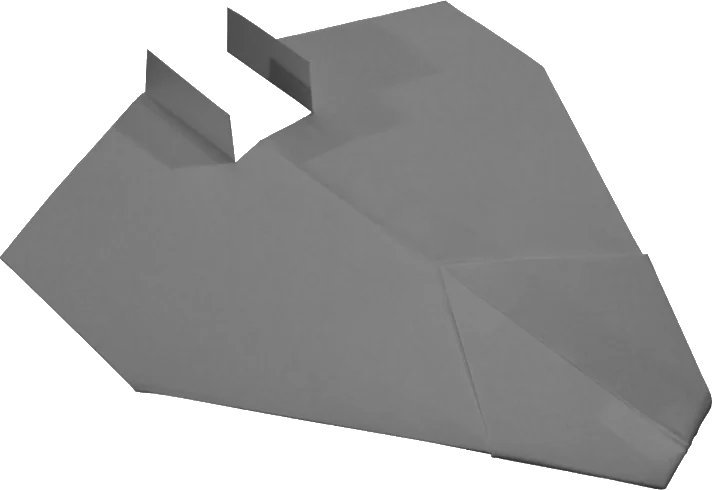
All wing, no fuselage. Twin tails give just enough yaw stability. Cuts the air like a dart.
Construction template
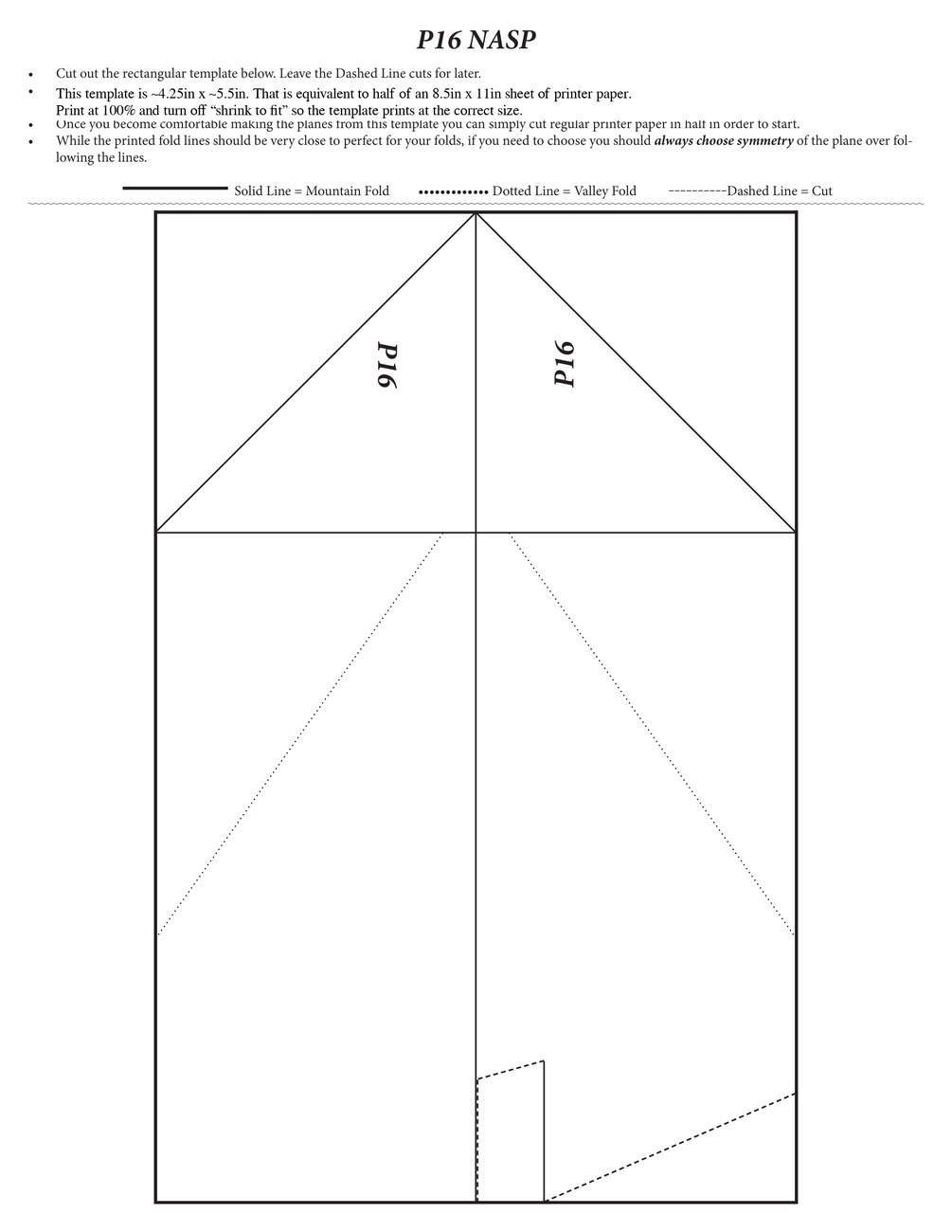
Print the P16.
The smallest head-on profile of the six. No fuselage means faster and higher flights — though who knows where it will end up. Needs gentle flap inputs.
One letter-size sheet. The template area is about 5.5″ × 8.5″ — half a sheet. Print with “Shrink to Printable Area”, the usual default.
Mountain
Valley
Cut
Build facts
Steps
21
Namesake
Rockwell X-30
Full step-by-step folding instructions for the NASP are in the ebook and the PaperPilot app.
Before you start
What you'll need
- Basic 8.5in × 11in printer paper. The designs fly great on regular paper, but 32lb/ream stock holds its shape better in flight, giving higher and more exciting flights.
- A pair of scissors sharp and small enough to make precise cuts.
- Clear adhesive tape.
- A paper clip — the planes are designed around #1 size clips, 3.2cm × 0.8cm.
- Optionally a straight edge or ruler, if you don't trust your folds.
Template instructions
How to use it
- Cut out the rectangular template. Leave the dashed-line cuts for later.
- The template is about 5.5in × 8.5in — half a sheet of 8.5in × 11in letter paper. It assumes your PDF print setting is “Shrink to Printable Area” (the most likely default), so it may print slightly larger or smaller depending on your settings.
- Once you're comfortable with the design, you can skip the template and just cut regular printer paper in half.
- The printed fold lines should be very close to perfect, but if you have to choose, always choose symmetry of the plane over following the printed lines.